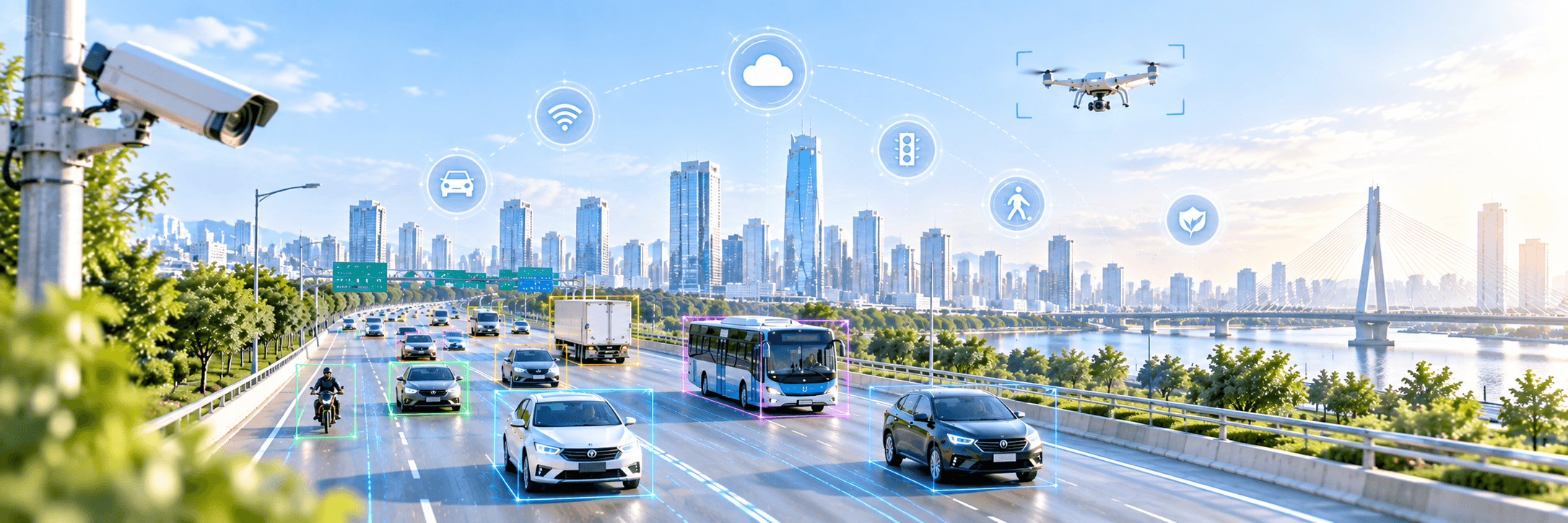
We build computer vision systems that see, read, and decide.
Rizwan AI builds computer vision and deep learning systems that turn images and video into reliable, automated decisions. Built to run in production on cloud, on-prem, or edge devices.
Free computer vision tools and ONNX model analyzer
Explore an ONNX model, draw zones for a camera feed, audit a vision dataset, run YOLO26 on your webcam, or redact a video. Start in your browser or install an app on your own machine; no account required.
Computer vision, built for production
Every engagement runs the same way: the problem framed against your own data before anything is built, a prototype early enough that you can still change your mind, then hardening into something that holds up under real traffic.
Object detection
Find and count objects in real time
Object tracking
Follow people and vehicles across frames
Instance segmentation
Pixel-accurate masks around every object
Image classification
Sort images by category or defect
Pose estimation
Track body keypoints and posture
Depth estimation
Judge distance from a single camera
OCR & document AI
Read text, fields and tables
Video analytics
Counts, dwell time and zone alerts
Quality inspection
Catch defects on the production line
Anomaly detection
Flag rare and abnormal events
Data labelling & audit
Curate, label and clean training data
Model training & tuning
Train, evaluate and lift accuracy
Edge deployment
Run on Jetson, mobile and embedded
Cloud & on-prem deployment
Ship to your servers or cloud
Monitoring & retraining
Watch drift, retrain, hold accuracy
What clients say
Muhammad Rizwan Munawar has delivered computer vision and deep learning projects for clients worldwide. Here is what a few of them said about working together. Every review is verified on Upwork.
5 🌟 rated · 25+ reviews on- $2,620.80
Excellent to work with and exceeded all expectations in answering questions related to various courses. One of the standout qualities of Muhammed was their commitment to going above and beyond. They didn't just provide brief, surface-level answers. Instead, they took the time to provide in-depth responses that demonstrated their expertise and dedication to the job
VerifiedAugmented AIComputer vision project - $1700 / 55$/hr
Muhammad did an excellent job on my project. He's very knowledgeable, intelligent, and highly capable. I hope to work with Muhammad again in the future.
VerifiedJoe GratzDeep learning project - $600
Even though he had to work till midnight, Rizwan always worked diligently and attempted to solve difficulties. Rizwan is the best freelancer with whom I've ever worked in Upwork.
VerifiedYanuar BramantyoComputer vision project - $317.50 / 35$/hr
Good experience, was available when needed and on time on our appointment. explained well and teached well.
VerifiedDarmandran SivapathasundramComputer vision project - $270
Work was completed promptly and with great care. He's willing to go the extra mile and was willing to adapt to changes. Great job!
VerifiedAnn DelaneyComputer vision project - $400
Muhammad was very professional, helpful, and always available throughout the project. He provided valuable support and contributed significantly to the development of our solution. It was a great experience working with him, and I would definitely recommend him for similar projects. I hope we have the opportunity to work together again in the future.
VerifiedAndre VasquesComputer vision project

Hands-On AI: Computer Vision Projects with Ultralytics and OpenCV
Build real computer vision projects from scratch using Ultralytics YOLO and OpenCV.
- Object counting in images and live video
- Queue management and waiting-line analysis
- Track and count objects inside custom zones
- Turn detections into analytical graphs and charts
- Run real-time YOLO inference in a Streamlit web app
From the blog
Tutorials, code, and notes on computer vision, deep learning, and applied AI.
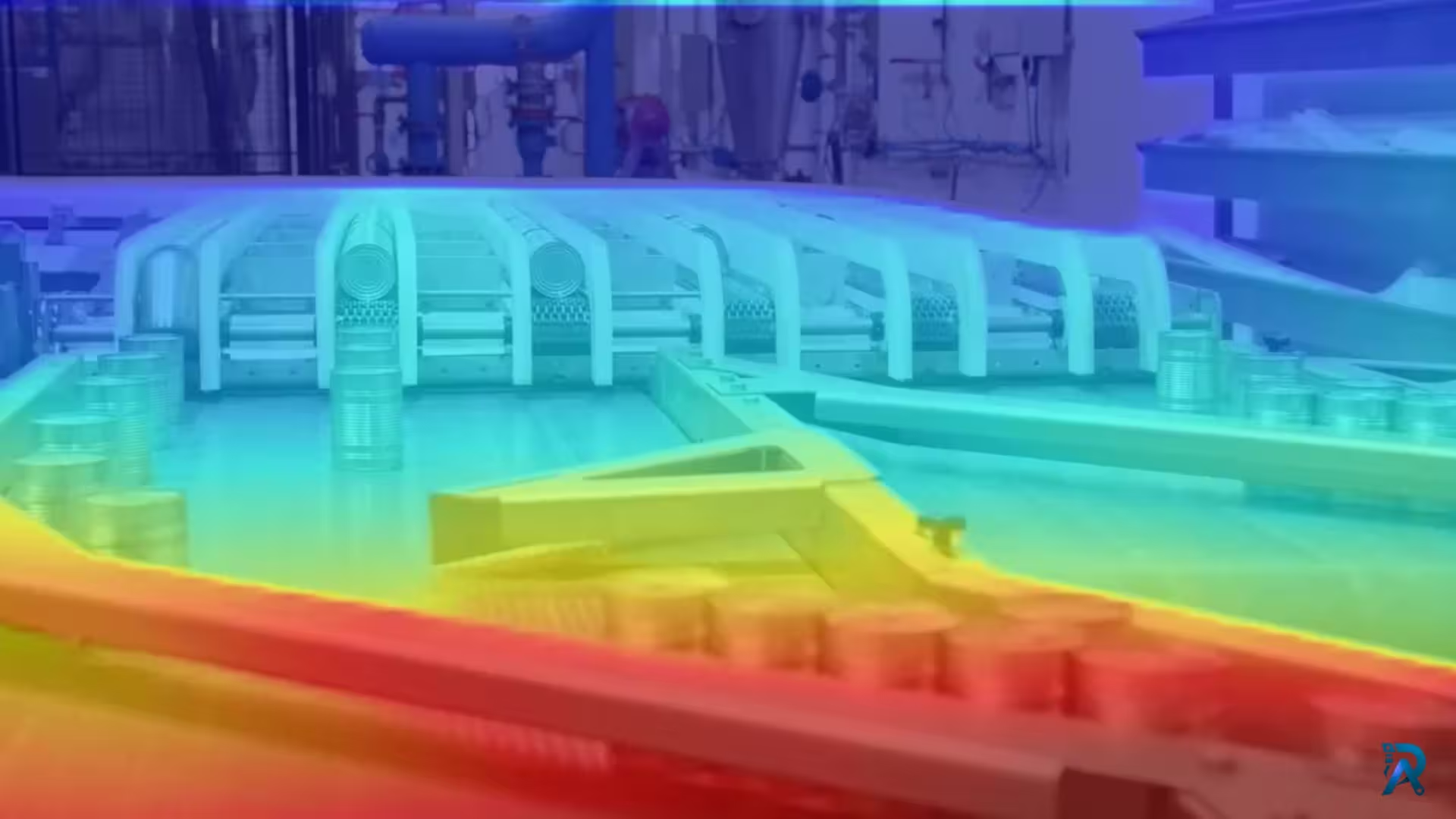 Depth EstimationJuly 27, 2026
Video Depth Anything in Python: consistent depth for video
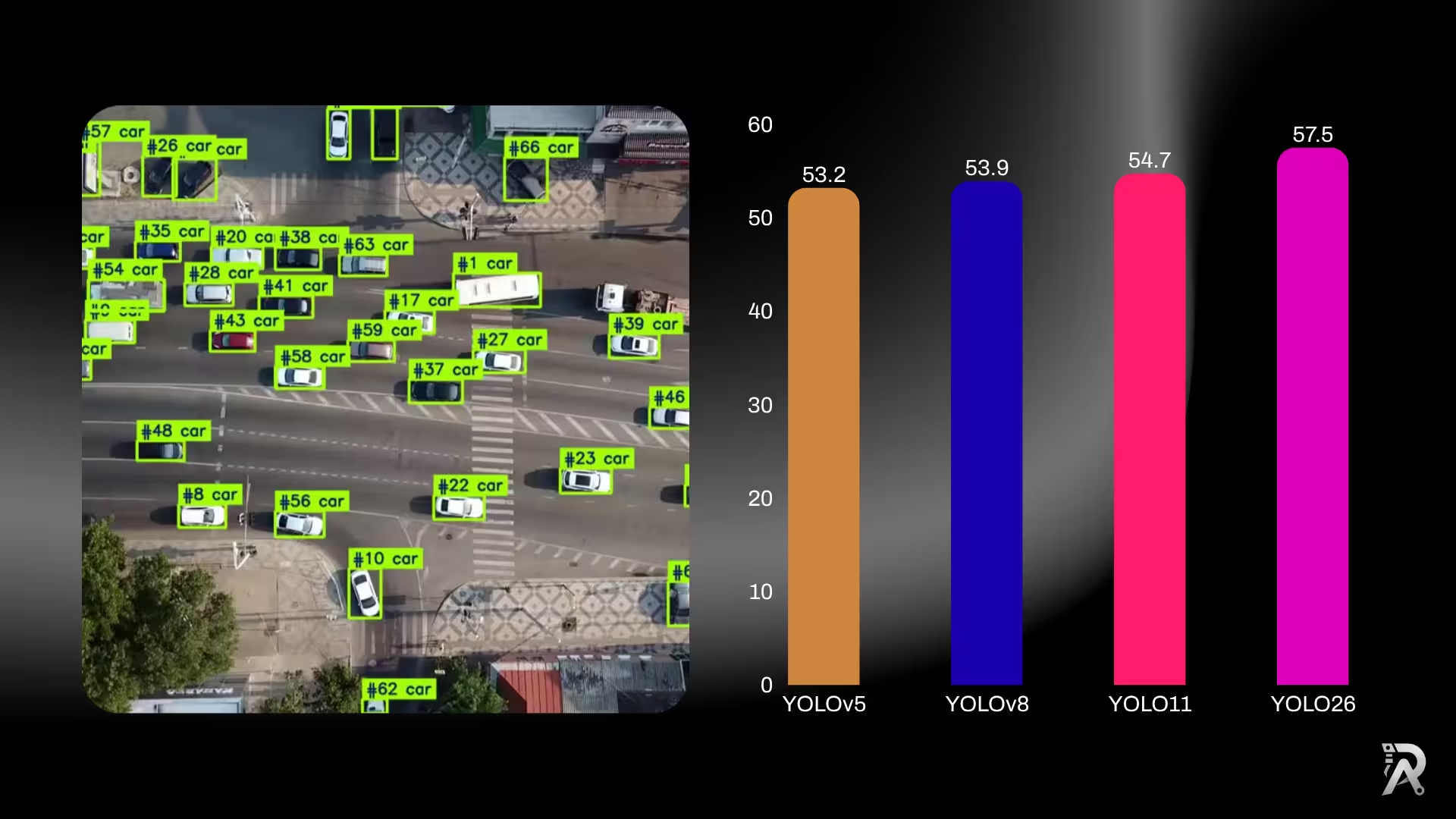 YOLO26July 19, 2026
YOLO26 vs YOLO11 vs YOLOv8: which one should you use?
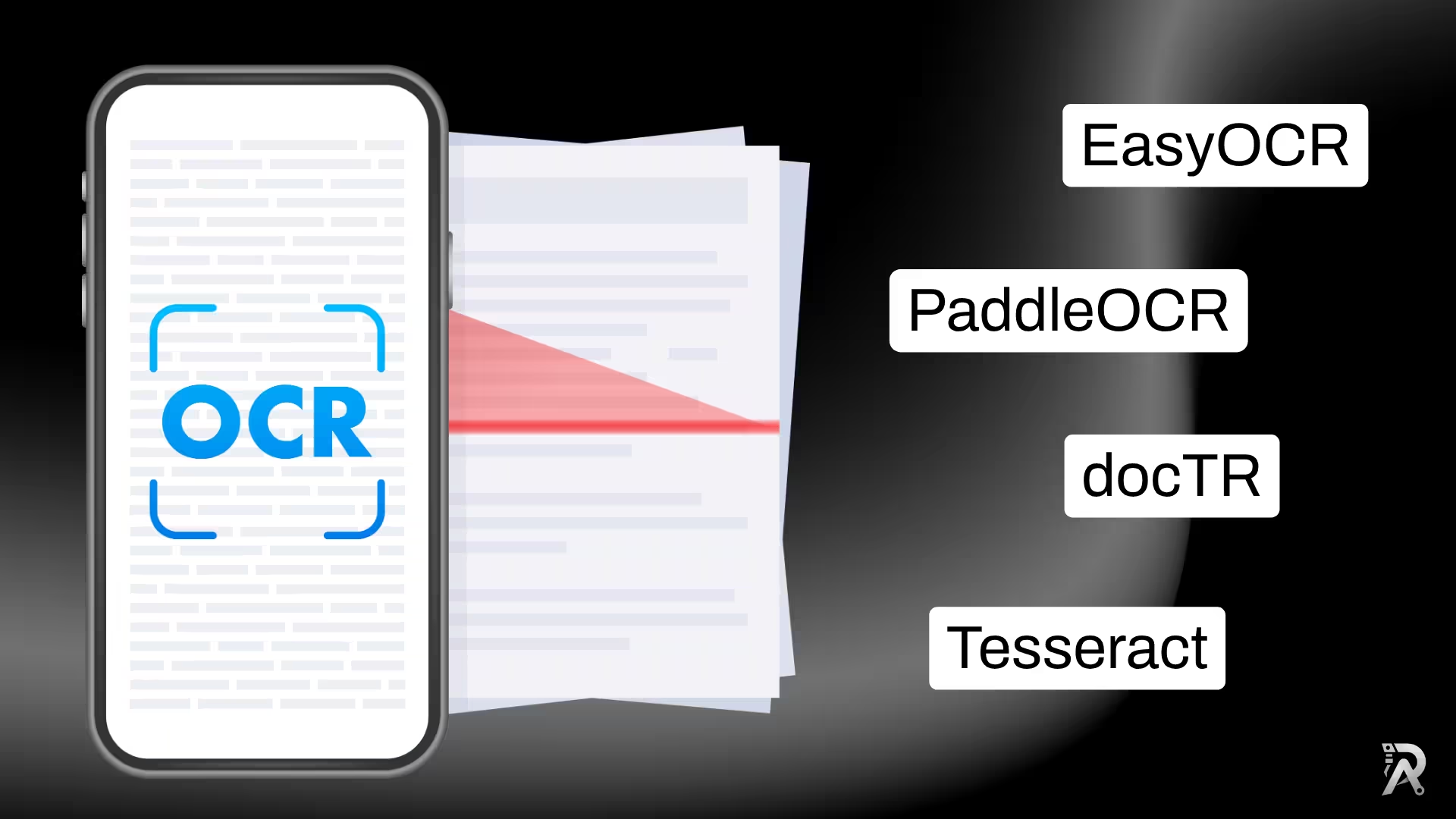 OCRJuly 18, 2026
How to extract text from images in Python (OCR): 5 libraries compared
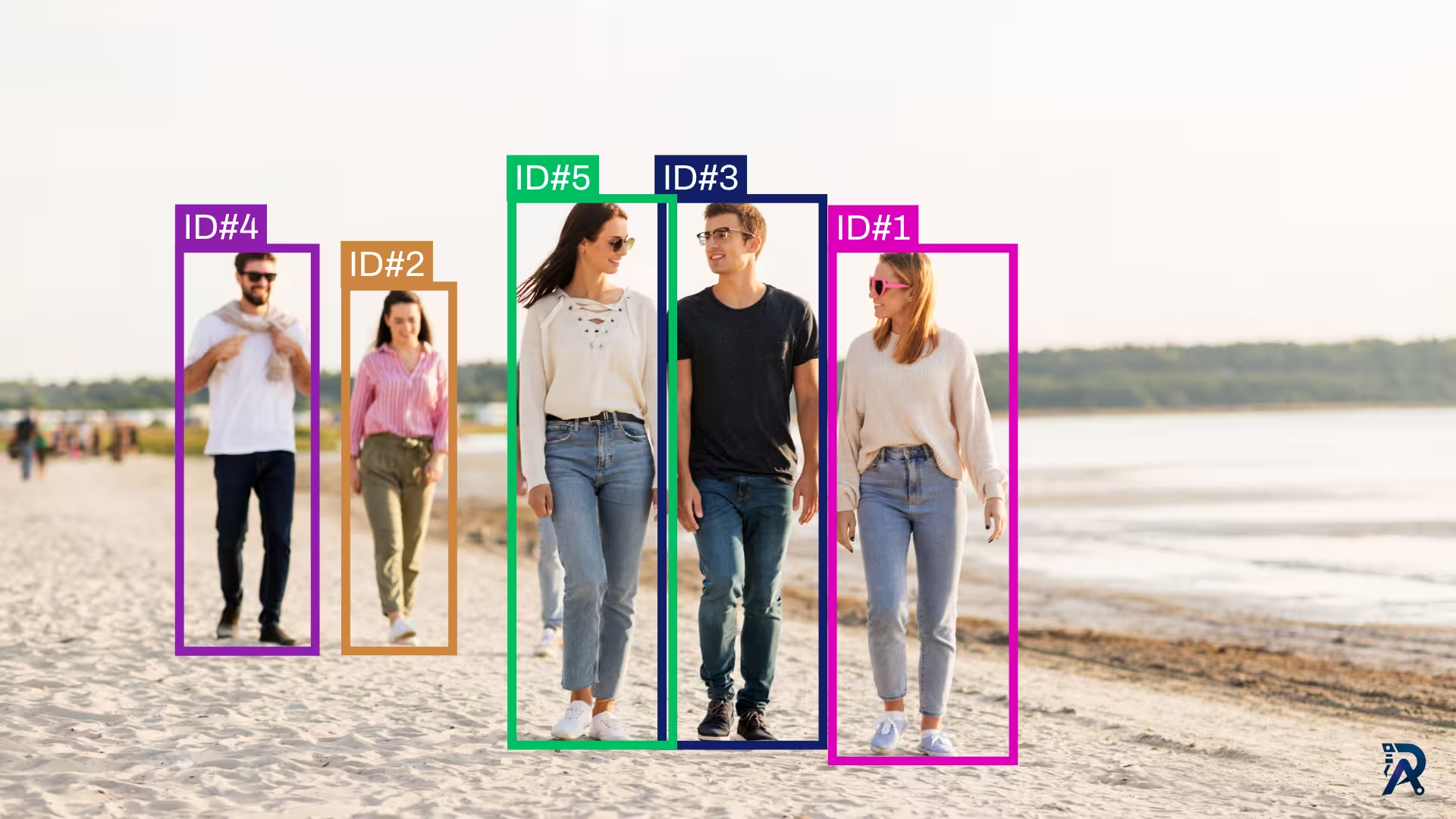 Object TrackingJuly 18, 2026
How to use ByteTrack with YOLO for object tracking in Python
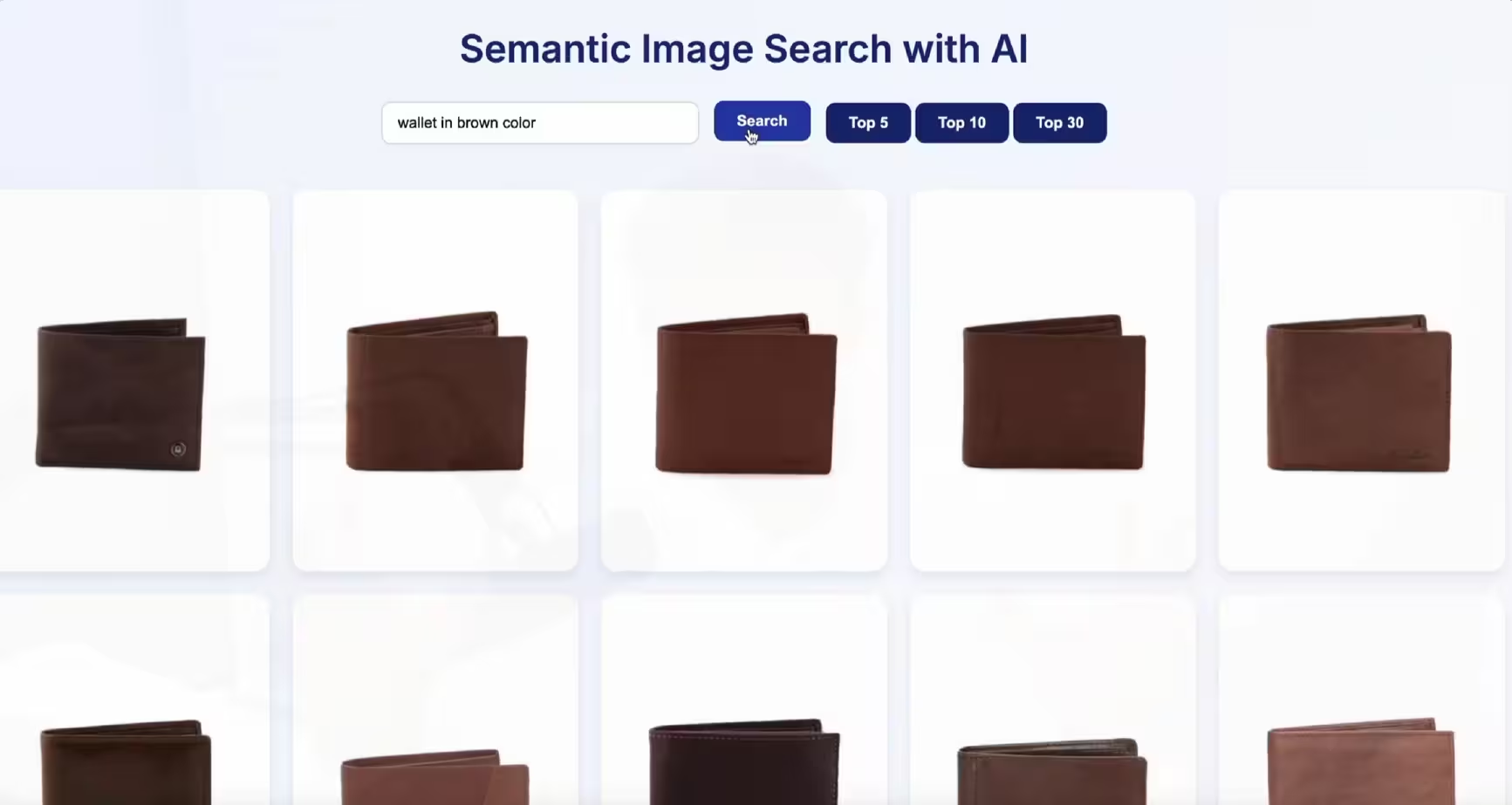 Semantic SearchJuly 6, 2026
Build a semantic image search engine with CLIP and Python
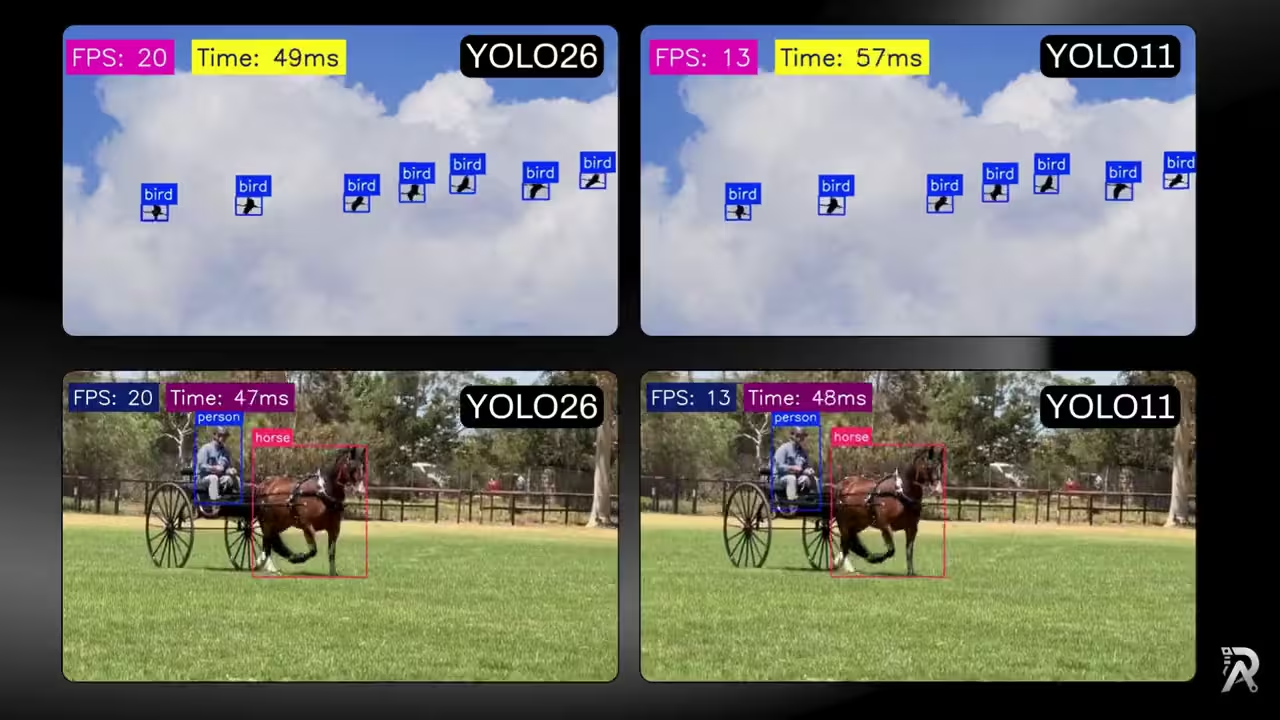 YOLO26July 3, 2026
YOLO26 vs YOLO11: ONNX speed, FPS and latency benchmark
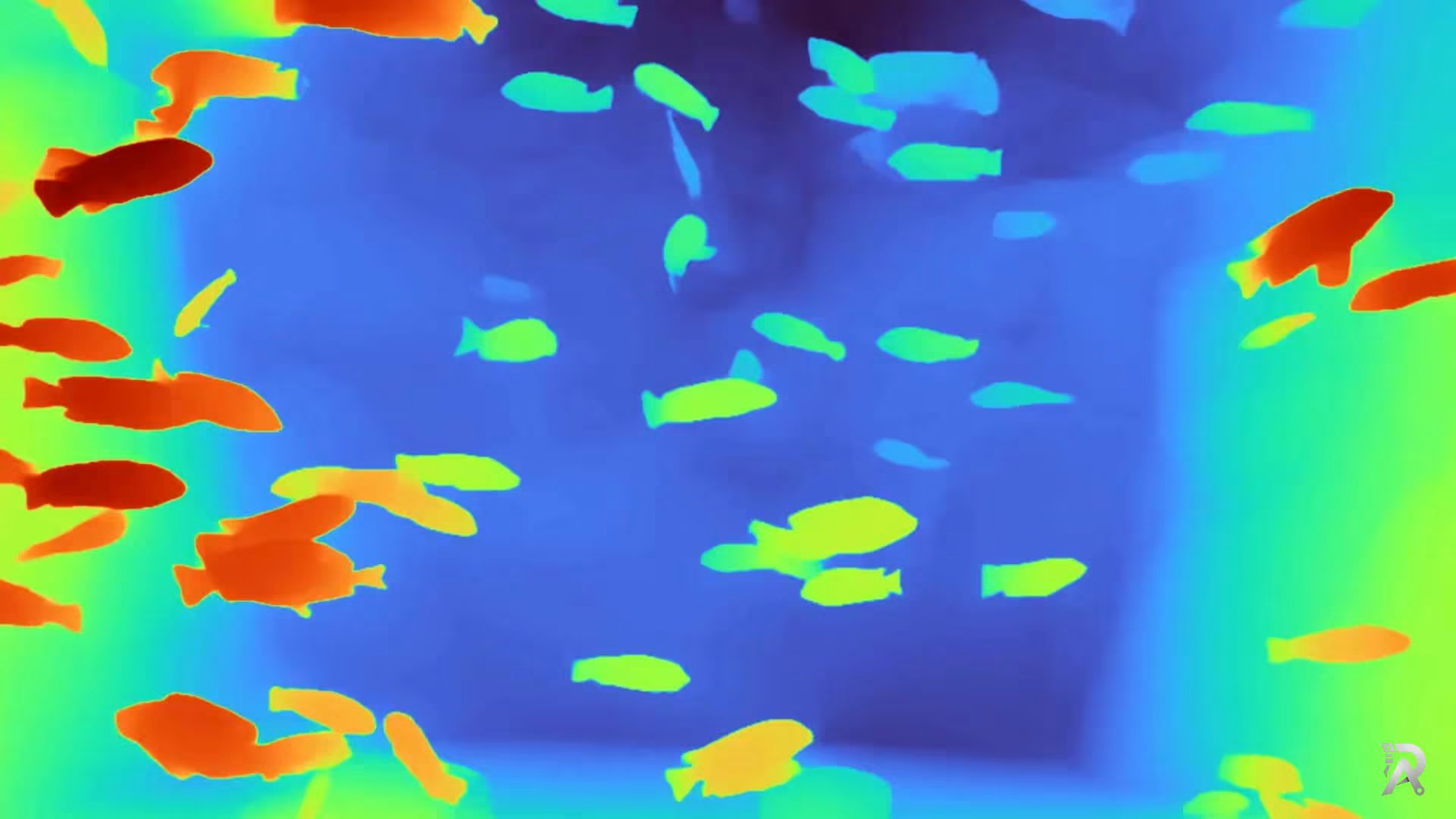 Depth EstimationJuly 1, 2026
Depth Anything V2 in Python: depth from image, video or webcam
 Object TrackingJune 27, 2026
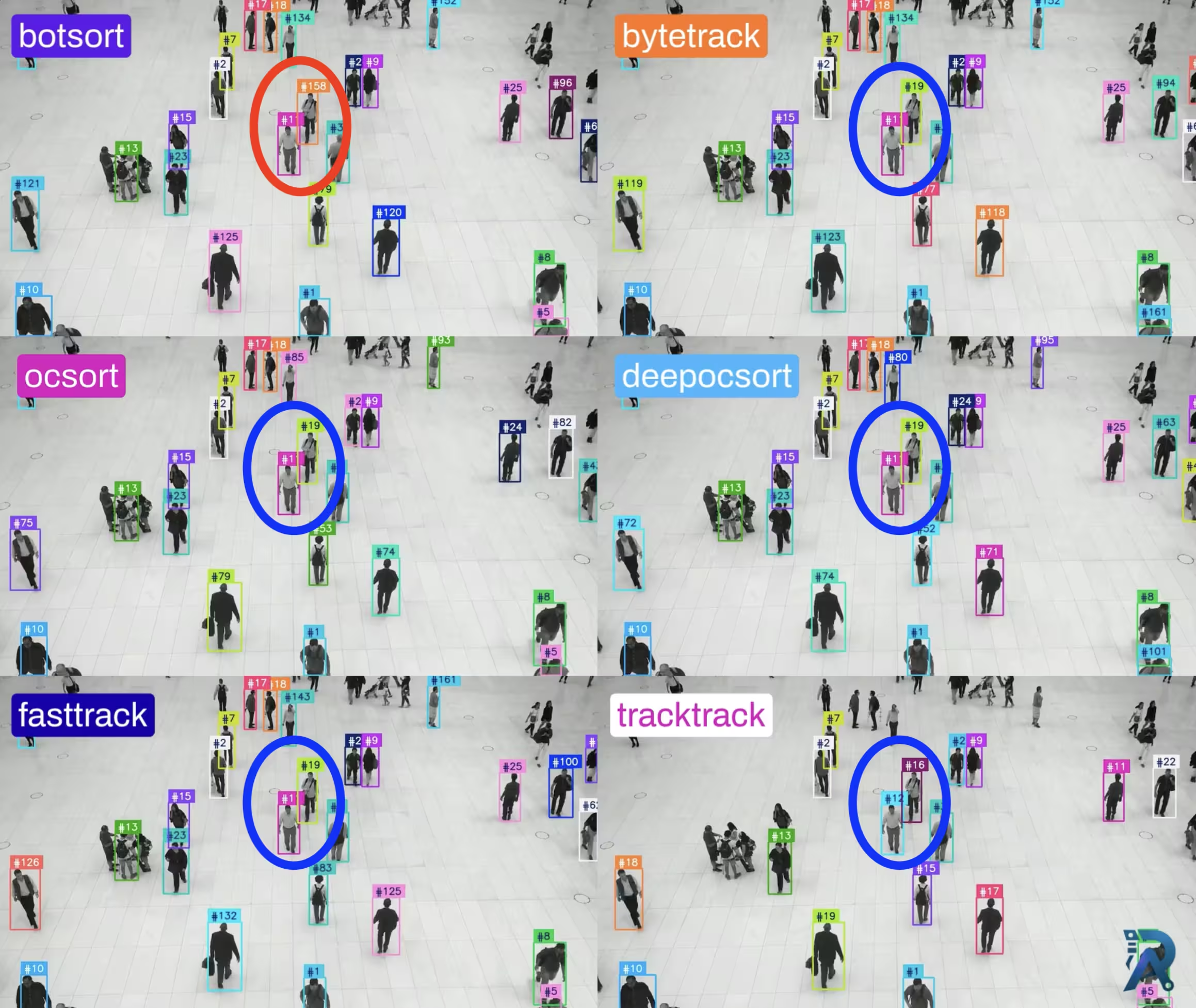
Ultralytics object trackers comparison: ByteTrack, BoT-SORT & More